Discord Infographic by Max Herold.
My Personal Frame…
So, what is Discord? Well, I’m going to let the infographic explain most of it, but for now, I’ll just talk about my experience with the program itself. I personally use Discord A TON, and love every second of it. I’m the kind of person who tends to spend a lot of time on the computer, like… every single second I can. I have both a Laptop and a Desktop PC that I built from scratch, as well as a newer phone, all of which have Discord installed on them. I spend a lot of time online with friends from high school and earlier, friends who I can’t necessarily see in person because of long distances. We all enjoy playing video games and with Discord, we can still spend time playing and ‘hanging out’ together. But that’s not all there is to it. Many people tend to be really familiar with or have at least heard of Skype, which is what we used to use. The great thing about Discord is how you don’t need to ‘start a call’ with someone, as you can just hop into a voice channel on a private server with your friends, and when someone logs on they can join as well. Of course, you can still have private calls as well which are complete with screen sharing and video calls! If you’re on the more technical side, you can even create your own Discord Bot with cool and unique functionality, where the possibilities are endless!
Note: For some of the requirements, they might not be as easy to notice as others. Specifically for technical documentation, there’s no real ‘manual’ or anything, so I linked the getting started and support pages along the top of the sidebar. For the reviews/tutorials, I also included the getting started and support pages, but also specifically chose some quotes that might fulfill those requirements. There were also some other more negative reviews (and I didn’t think that adding negative reviews really fit the theme of this) but those were more about whether or not the app is okay for children to use, which isn’t necessarily my target audience. Hopefully, the rest of the requirements are seen, but I just wanted to clarify those.

Credits:
Sidebar Images (top to bottom – all from Google Images):
- Minecraft Logo
- League of Legends Logo
- World of Warcraft Logo
- Clippy (Microsoft Office)
- Clemson Esports Logo
- Reddit Snoo Logo
- Dota 2 Logo
- Apple Logo
- Android Logo
- Geralt of Rivia (Witcher 3)
- Red Dead Redemption 2 Art
- CupcakKe (musician)
- Rick and Morty Art
- South Park Art
- Tyler1
- Linus Tech Tips Art
- Kingdom Hearts 3 Art
- Lag Logo
- Pickle Rick
- PewDiePie
- T-Series Logo
- Visual Studio Code Logo
- Vim Text Editor Logo
- Donu from Slay the Spire
- ‘Advanced AI’ Icon, Riot Games
- Clemson Tiger Paw Logo
Main Images
- Top Background – Discord Login Screen
- Discord Logos and Color Scheme
- Stylized Devices Art
- https://discordapp.com/ (foreground image)
- Wumpus Art
- All About Dat Community
- Minecraft Image
- League of Legends Twitch Banner
- Kitboga Channel Art
- World of Warcraft – Battle For Azeroth Loading Screen
- Clemson Esports Banner
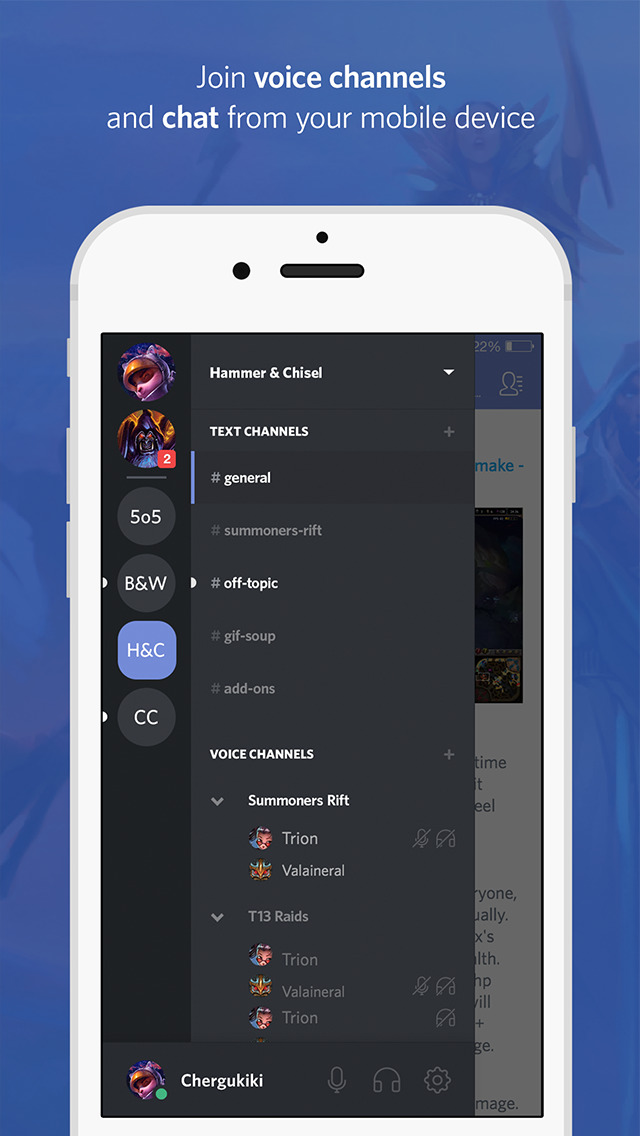
- Mobile Example Image
- Discord Server Status/Down Detector
- Discord Nitro Image
- Screenshot from within the software
- Developers Picture
- Linus Sebastian Profile Image
- Tom Marks Profile Image
- Clemson Esports Server Screenshots
 discordinfographic4class